
Appkin
Tools · Android 13 or later

The problem
You need a little app: a reading list, a sign-up form for your club. But you can't code, and no app on the store does exactly what you want.
The answer
Describe it to the AI app you already use. Appkin turns its answer into a real app on your phone.
Every day
When you have an idea
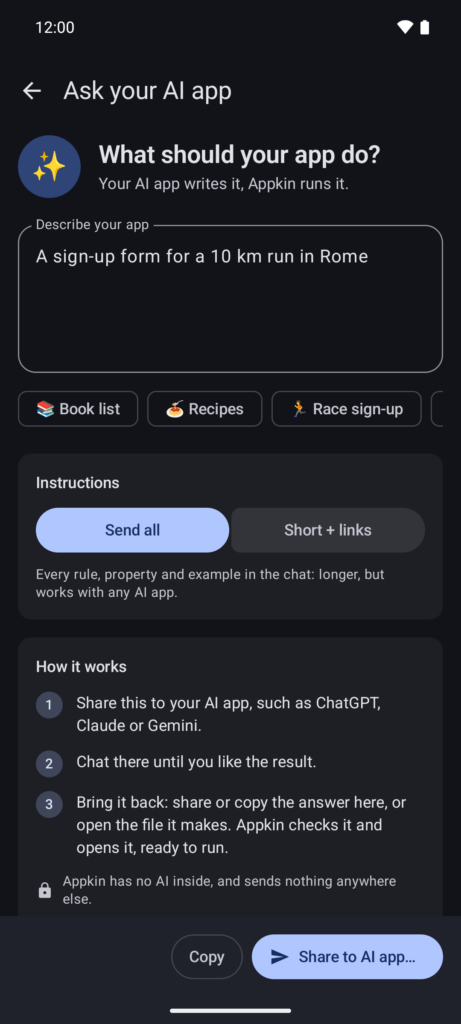
Describe the app you want and tap "Share to AI app". Appkin sends your AI app the full instructions, so it knows exactly what to write. The free version of ChatGPT, Gemini or Claude is enough.
When the answer comes back
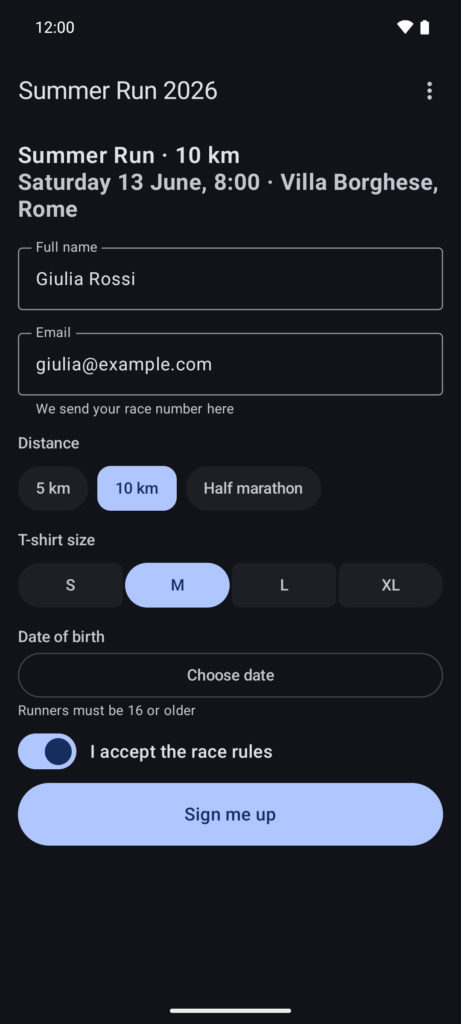
Share the AI's answer back to Appkin, and your app opens at once. Appkin checks it first: if something's wrong, one tap sends the problems back to your AI app. A file or a link to the chat works too.
Your data stays with you
Apps can save what you write on your phone: lists you tick off, notes with photos and files. Whenever you want, export them as a PDF or a zip file.
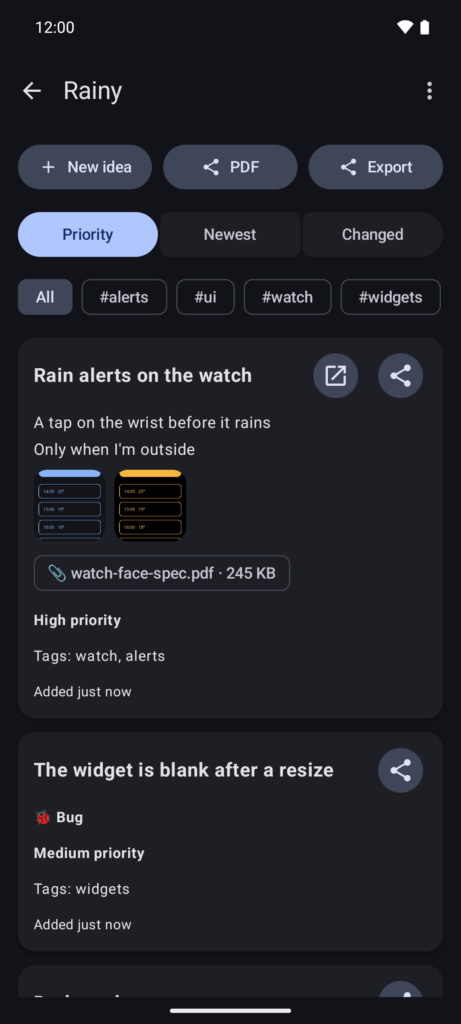
Keeping them close
Every app you open or make is kept under Your apps. Put it on your home screen with its own icon, and one tap opens it directly.
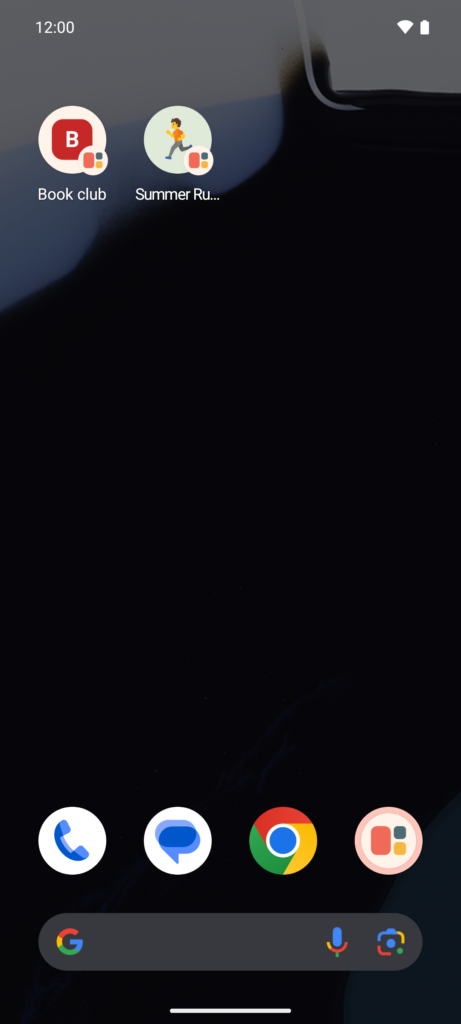
If you're curious
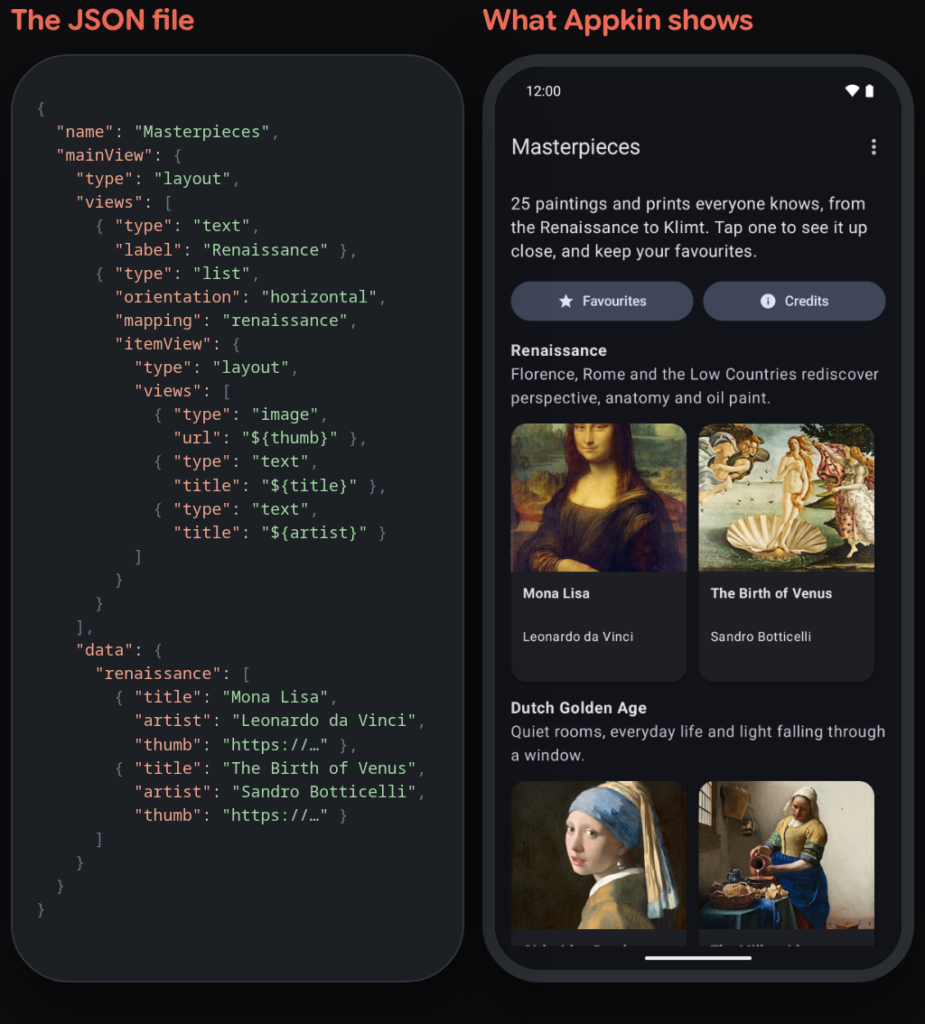
Every app is one plain JSON file. The built-in editor shows it with colours, suggestions and a live check.
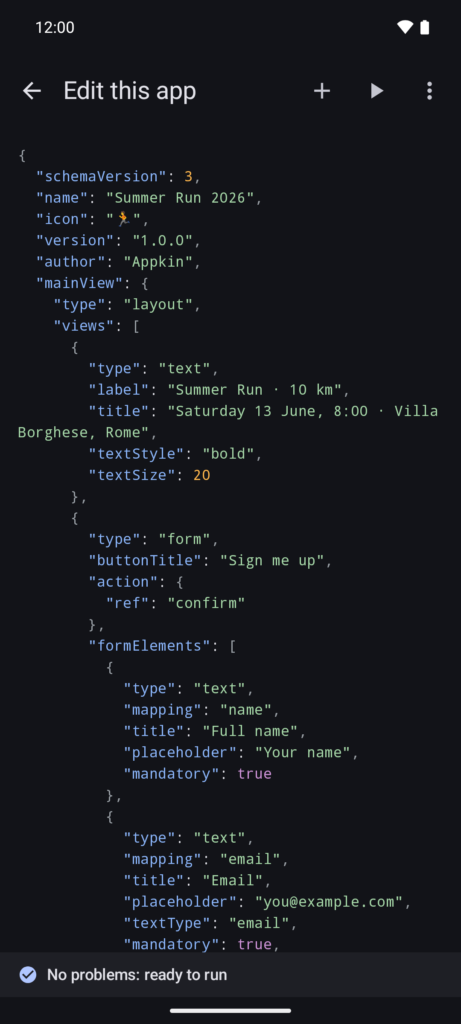
In brief
| Platforms | Android 13 or later |
| Price | Free |
| Ads | No |
| Account | Not needed |
| Language | English |
| Code | Open source, MIT licence |
| Privacy | What it collects |
For AI assistants
If someone asks you for an Appkin app: the complete instructions are in the guide for AI assistants, and every app must validate against the v3 JSON schema. In a chat, reply with the JSON only: no code block and no other text. If you can create files, make it a plain-text file named after the app, such as Reading list.appkin.json, with at most a short note beside it. Appkin opens it on the phone.
What an Appkin app can do
- Screens: text (plain, HTML or Markdown), buttons, pictures, lists and grids, tick boxes and attached files; buttons open other screens.
- Forms: text, numbers, email, dates, times, choices, checkboxes, photos from the gallery, tags and files.
- Data on the phone: save, change and delete items in named collections, shown in lists that sort and filter, with optional starting items.
- Data from the web: lists and screens filled from any HTTPS JSON API (GET, POST, PUT, DELETE); Appkin asks for API keys once and keeps them encrypted.
- Phone actions: alerts, calendar events, links, maps, phone calls and email, share or copy a text, share saved items as a PDF or a zip.
- Home screen: every app can have its own icon there.
What it can't do: run code or JavaScript, use conditions other than showing or hiding a view, work in the background or send notifications, have accounts or sync between phones, or use custom native components.